How to Check a Domain's History Before You Buy
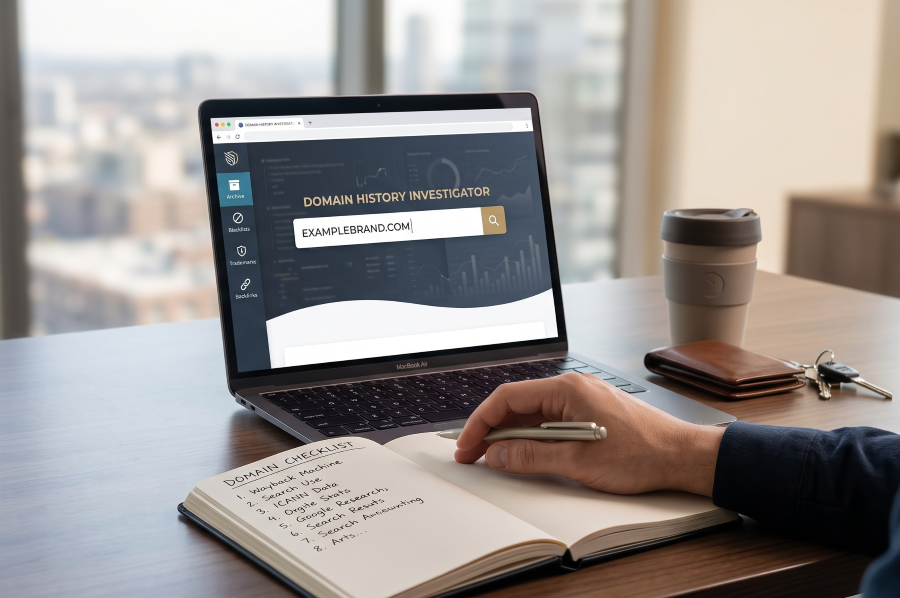
You have found the name. It is short, it fits the product, and the price works. Before you pay, spend an hour finding out what the domain has been used for. A domain is not a blank slate just because nothing is on it today. It may have hosted a casino affiliate site, sent spam, or belonged to a company with a registered trademark in your market. Most of that can be checked for free, and none of it requires the seller's cooperation.
This is the checklist we would run ourselves. Our own listings at /domains describe each name's history as clean, and we stand behind that, but you should not take any seller's word for it, including ours. The tools below are public, and the checks are quick.
1. Look at what the domain used to be: the Wayback Machine
Start with the Internet Archive's Wayback Machine. Type in the domain and browse its captures by year. You are looking for answers to three questions:
Was there ever a real website? A name with no captures, or only parking pages, has a simple story.
What was it about? A previous business in an unrelated field is usually harmless. A previous business in your field is worth noting, because customers or search engines may still associate the name with it.
Did it change hands and change character? Watch for a sudden switch, for example from a small company site to pages of thin content stuffed with outbound links. That pattern often means the name expired and was picked up to be reused for search manipulation.
Treat the archive as evidence, not a complete record. The Internet Archive's own help pages note that not every date for every archived site is complete, and some sites were never captured at all. A gap is not proof that nothing happened.
2. Search for past use beyond the archive
Next, search the web for the domain name in quotes, and for the brand name without the extension. You are checking for things the archive will not show:
Old business listings, social profiles or app store entries still using the name.
Forum threads, complaint sites or news stories that mention it.
Email addresses at the domain, which suggest someone used it for mail and may still receive messages there.
None of this is automatically disqualifying. A defunct bakery that once used a two-word .com is not your problem. A live company in your industry using the same brand name on a different extension might be, which leads to the trademark check below.
3. Read the current registration data
ICANN's Registration Data Lookup tool shows current registration data for a domain, such as the registrar and status. It queries registries and registrars in real time using RDAP, which replaced WHOIS as the definitive source for generic top-level domain registration data on 28 January 2025.
Two things to keep in mind. The date shown reflects the current registration, so a name that expired and was registered again can look newer than its real history. That is why the archive check comes first. And the lookup tells you who holds the name today, not what they did with it. Use it to confirm the seller's story, for example that the listing says the domain was registered in a given year and the record agrees.
4. Check blocklists and safety status
If a domain was used for spam, phishing or malware, it may still be listed. That can affect whether your emails are delivered and whether browsers warn visitors away. Two free checks cover most of this:
Spamhaus. The IP and Domain Reputation Checker is a free tool that shows whether a domain is listed on one of Spamhaus's DNS blocklists. Spamhaus describes domain reputation as capturing "the who, what, where and when of the domain".
Google Safe Browsing. The Safe Browsing site status tool in Google's Transparency Report shows Google's most recent assessment of whether a site is currently unsafe to visit. Google's Safe Browsing is the system behind the warnings people see in Google Search and in browsers, as Google describes it.
A clean result today is the outcome you want. If you find a listing, ask the seller about it before you buy. Listings can sometimes be cleared, but that is work you would be taking on.
5. Run a trademark search (not legal advice)
This is the check people skip most often, and the one that matters most if you are building a brand. Owning a domain does not give you rights to a name, and an existing trademark can cause problems regardless of who holds the .com.
Search the official databases in the markets you plan to sell in:
United States: the USPTO's Trademark Search system, which replaced the older TESS database on 30 November 2023.
Canada: CIPO's Canadian Trademarks Database, which includes all active and many inactive marks.
Do not stop at exact matches. The USPTO's own guidance on searching centres on likelihood of confusion and recommends searching for similar marks, not just identical ones. A name that sounds alike, or is spelled slightly differently, in a related line of business is the kind of result to pay attention to.
This is general information, not legal advice. If a search turns up anything close, or if the name is central to a significant investment, talk to a trademark lawyer before you commit.
6. Look at the backlinks
Backlinks are links from other sites pointing to the domain. A name with a history may have plenty. Some are useful: a link from a university or trade association that still works is a genuine asset. Others are a liability.
Google's spam policies name two practices worth knowing here:
Link spam: "creating links to or from a site primarily for the purpose of manipulating search rankings."
Expired domain abuse: "where an expired domain name is purchased and repurposed primarily to manipulate search rankings by hosting content that provides little to no value to users."
Before purchase, you can only see backlinks through third-party SEO tools, and each tool sees a different slice of the web. Look for patterns rather than counts. Hundreds of links from unrelated sites with keyword-heavy anchor text, or links from obvious link networks, are warning signs. A small number of links from relevant, real sites is fine, and so is having none.
7. After you buy: verify in Google Search Console
Once the domain is yours, add it to Google Search Console. For a Domain property, you verify ownership by adding a DNS record at your domain provider, and Google says to leave that record in place to stay verified.
Then check three reports:
Manual actions. The Manual Actions report shows whether Google has applied a manual penalty for spam policy violations. According to Google, a site with a manual action may have some or all of its pages left out of search results. If you find one, you fix the issue and use Request Review. Google says reviews usually take several days to a few weeks.
Security issues. The Security Issues report flags hacked content, malware and unwanted software, and social engineering.
Links. The Links report shows top linking sites and top linking text. Google notes it is a sample, not a complete list.
If you inherit a serious link problem, Google's guidance is to remove the bad links where you can first. Its disavow tool is meant for sites with a considerable number of spammy or artificial links that have caused, or are likely to cause, a manual action. Google calls it an advanced feature that can hurt performance if used incorrectly, and says most sites will not need it.
A one-page checklist
Run these before you pay:
Wayback Machine. Browse captures across the years. Note any change in topic or quality.
Web search. Search the domain in quotes and the bare brand name.
ICANN Lookup. Confirm the registration details match what the seller says.
Spamhaus and Safe Browsing. Both should come back clean.
USPTO and CIPO. Search exact and similar marks in your category.
Backlinks. Look for spam patterns, not totals.
And after purchase:
Search Console. Verify by DNS, then check Manual Actions, Security Issues and Links.
How this applies to a Rovaryn domain
Each of our listings has a fixed price and its own page, and the purchase completes on Atom.com with escrow-backed, guided transfer, typically 1 to 3 days. For example, Klarv.com is listed at $17,999 and its page notes it was registered in 2024. A coined name like that has a short trail to check. A descriptive name like CNCScheduler.com, listed at $9,999, is worth a closer trademark look in its category, because descriptive names in the same field tend to sit closer to each other.
Run the checklist on any name you are considering. If something you find raises a question, contact us before you buy and we will tell you what we know. If you are still weighing whether a premium name is worth the money at all, our guide on why premium domains cost what they do covers the other half of the decision.